Project intake

Real projects start here.

Send your drawings and requirements. 23D normalizes the input, confirms scope and deliverables, then starts execution.

This is not self-serve. You submit drawings and project context; 23D evaluates and tells you what can be done, what gets delivered, and what comes next.

Intake process

Drawings, requirements, contact — one submission.

One submission is enough — project context, files, contact, expected outputs. The goal is not instant execution but aligning on scope, deliverables, and cadence first.
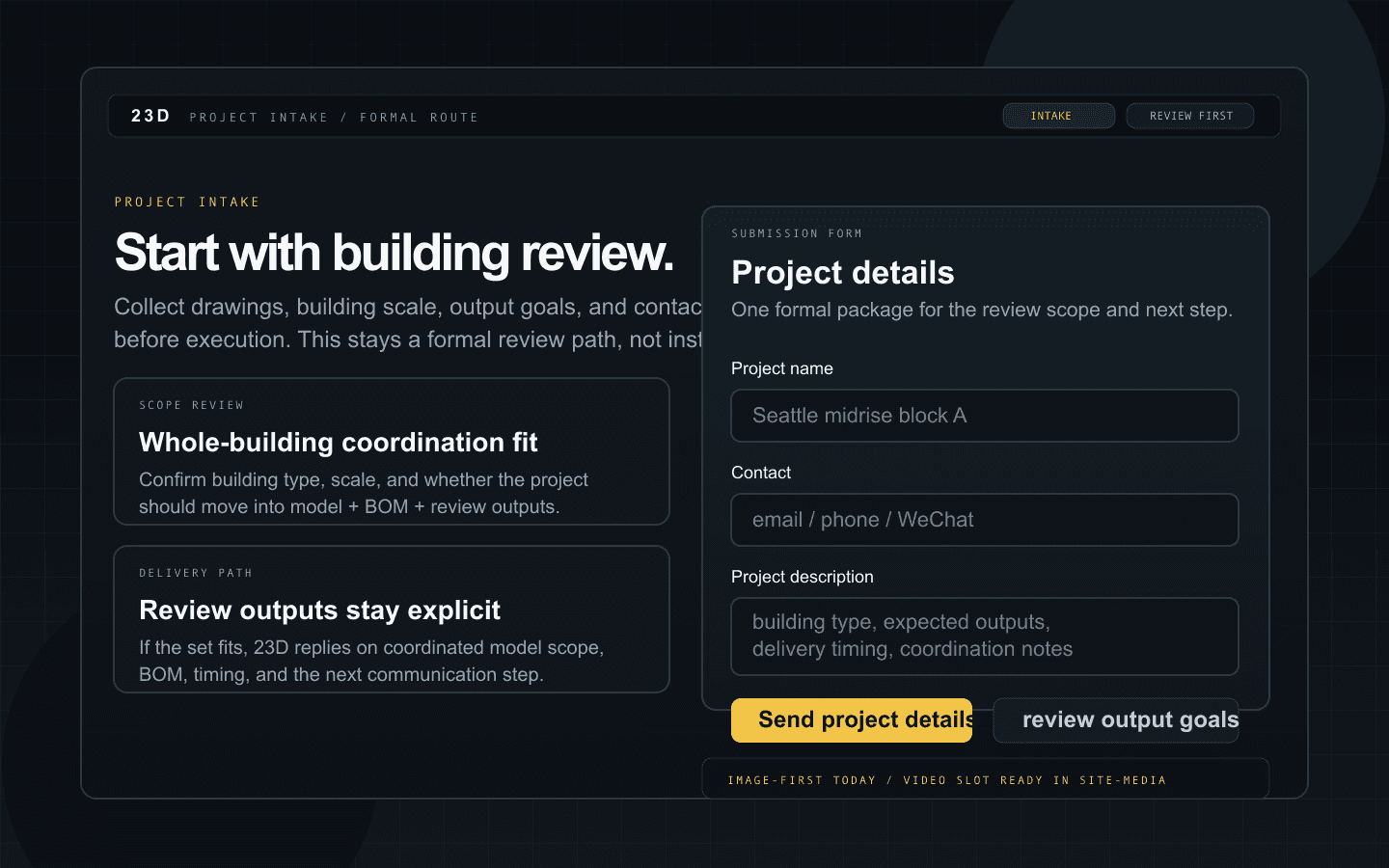
23D project intake — scope confirmation, delivery path, and submission form.
This image explains the intake routing and scope assessment.

Intake process

Project intake workflow.

Shows scope confirmation, delivery path, and the submission surface.

  • Everything in one submission, no back-and-forth needed.
  • Projects in scope get confirmed with coordination model content, BOM, check scope, and delivery timeline.
  • Projects out of scope get an explicit answer, not silence.

Scope

What should come through here

  • Projects that need coordination scope, deliverables, or input feasibility confirmed before work starts.
  • Typical inputs include .ifc / .dwg / .dxf / .3dm / .pdf, but a short description plus contact details is enough to start.
  • Custom homes, laneways, multiplex / infill — mid-size builder projects fit best here.

After submission

What happens next

  • 23D checks whether the drawings can be normalized into the current support window.
  • If they can, coordination model scope, BOM, checks, timeline, and communication steps get confirmed.
  • If not yet, the reason is stated explicitly.
Form

Leave the essentials

Project name, contact info, a short description, and optional files.

The file is optional, but scale, expected outputs, and timing should be as clear as possible.

Just want to try the workflow first? Open the online demo.